
Policy Checking Without the Spreadsheet
Policy checking is one of the most important controls in a brokerage and one of the most tedious. Here is how agentic review changes the economics of getting it right.
Ask any agency operations leader about policy checking and you will get the same answer: it matters enormously, and nobody has enough time to do it properly.
Policy checking is the process of comparing an issued policy against what was quoted, bound and requested by the client. It catches errors in named insureds, limits, deductibles, forms and endorsements before they become an uncovered claim or an errors and omissions complaint. For most brokers, it is the single most important quality control in the business.
It is also slow, manual and easy to skip. A typical commercial package policy runs to hundreds of pages. Checking it means printing or splitting the PDF, building a comparison spreadsheet, and reading form by form against the binder and the proposal. At many agencies, a backlog of unchecked policies quietly grows through every renewal season.
Why policy checking gets skipped
When we interviewed account managers at mid-sized brokerages, three reasons came up again and again.
It takes too long. A thorough check of a mid-market commercial package can take two to four hours. Multiply that across a book of business and it becomes a full-time job for several people.
It is hard to staff. The work requires real expertise to spot that a form edition has changed or that an exclusion has been added, yet it is repetitive enough that experienced staff do not want to do it all day.
The errors are rare but costly. Most policies are issued correctly, so skipping a check usually has no visible consequence until the one time it does.
How agentic policy checking works
Clarix approaches policy checking the way an experienced account manager would, but in minutes rather than hours. When a policy arrives, from a carrier download, an email or your agency management system, the agent:
- Identifies the client, the policy and the matching binder, quote and proposal
- Extracts every declaration, limit, deductible, form and endorsement from the issued policy
- Compares each item against what was bound and what the client requested
- Flags discrepancies with the exact page, form number and the reason it matters
- Drafts a correction request to the carrier for the account manager to review and send
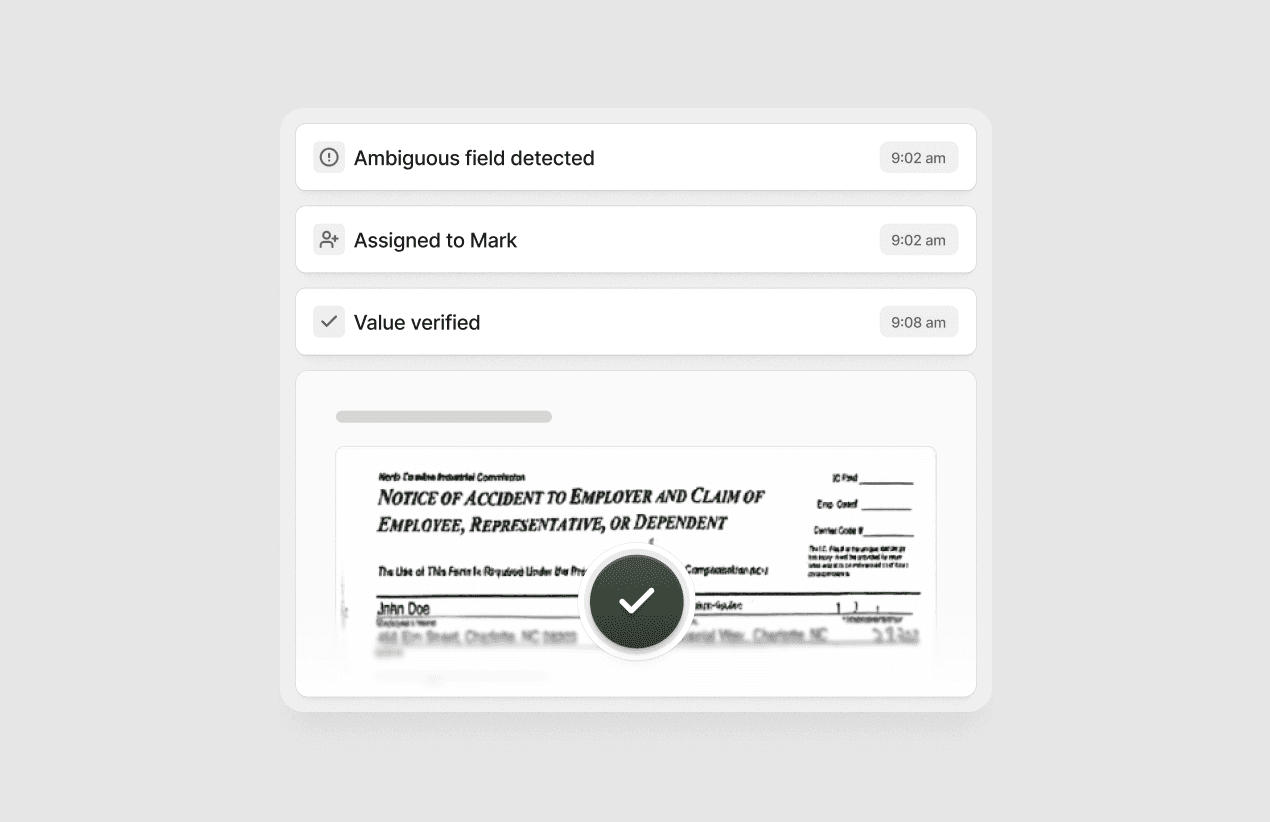
The account manager receives a short exception report instead of a 300-page PDF. If everything matches, the policy is marked as checked with a full audit trail. If something does not, they know exactly where to look.
What good looks like
A national brokerage that adopted Clarix policy checking across its middle-market commercial book this year found that:
- Average time to check a commercial package fell from 2.8 hours to 11 minutes of human review
- The share of policies checked before delivery rose from 64 percent to 100 percent
- One in nine policies contained at least one discrepancy, most often an outdated form edition or a missing additional insured endorsement
That last number surprised the team. Before, they had assumed their error rate was far lower, simply because they were not catching most of the errors.
The human stays in the loop
We designed policy checking so that people remain responsible for every client-facing decision. The agent never contacts a carrier or a client on its own. Every discrepancy is presented with its evidence, and account managers can accept, dismiss or annotate each one. Over time, the agent learns which differences your team treats as material and which are acceptable variations, so the exception reports get shorter and sharper.
Getting started
Policy checking is usually one of the fastest Clarix deployments, because it relies on documents you already receive and does not require changes to how you bind business. Most brokers start with one team and one line, then expand once they trust the results.
If you want to see it on your own policies, talk to our team. We will run a sample of recently issued policies through the agent and walk you through what it finds.